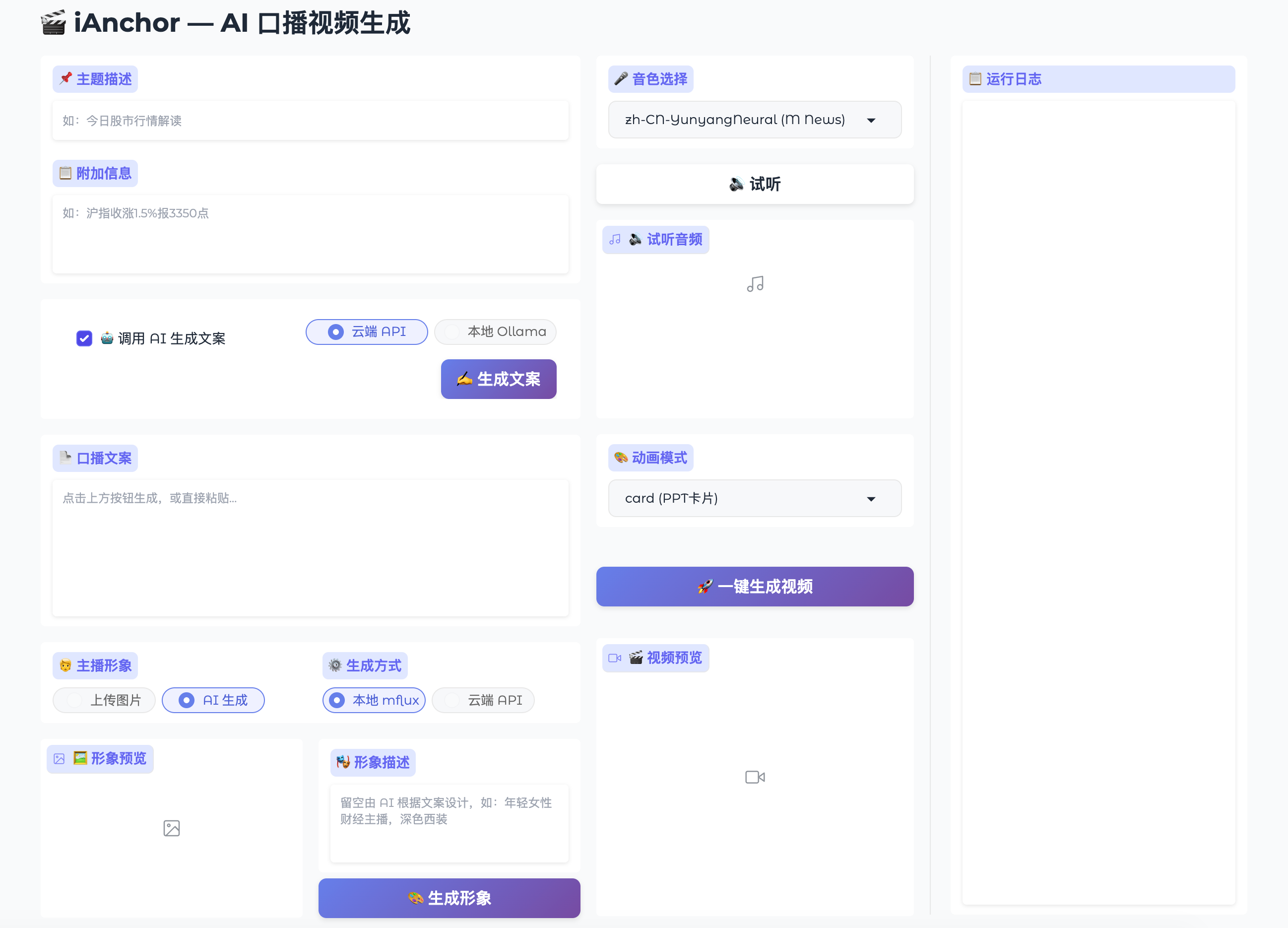
✨ Why iAnchor?
✍️
AI Scripting
Topic + data in, fluent narration out. Cloud API or local Ollama, your choice.
🗣️
Natural Voice
Microsoft Edge TTS with 16 voices. Smooth, natural pronunciation.
👄
Lip Sync
MuseTalk audio-driven. Mouth movements precisely match speech.
📊
Dynamic Cards
Data, charts, and text auto-switch with narration. 4 animation engines to choose from.
📝
Sentence Subtitles
Gold text on rounded pill background. Split by punctuation. One per sentence.
🧑
AI Anchor Avatar
No photo needed — generate an HD anchor portrait from your script. Local Z-Image-Turbo or cloud API, manual upload also supported.
⚡
Fully Automatic
Script → TTS → Lip Sync → Cards → Subtitles → Final Video. One click, full pipeline.
🔄 Pipeline
📄 Input
→
🤖 Script
→
🧑 Avatar
→
🗣️ TTS
→
👄 Lip Sync
→
🎨 Compose
🎨 Animation Modes
| Mode | Style | Best For |
|---|---|---|
| card | PPT cards, 6 layouts | Data broadcast |
| manim | Number animation + transitions | Premium feel |
| sd | MLX SD 1.5 AI images | Artistic style |
| remotion | React rendering | Deep customization |
🚀 Quick Start
1
Install
bash install.sh
2
Config
Add DeepSeek API key
3
Avatar
Upload a photo, or generate with AI
4
Launch
bash start_ui.sh
5
Generate
Topic + Data → Video
$ bash install.sh
$ bash start_ui.sh
$ open http://127.0.0.1:7860
$ bash start_ui.sh
$ open http://127.0.0.1:7860
💻 Platforms
| Platform | Script | Voice | Lip Sync | Cards | SD |
|---|---|---|---|---|---|
| macOS M1-M4 | ✅ | ✅ | ✅ | ✅ | ✅ |
| macOS Intel | ✅ | ✅ | ✅ | ✅ | ❌ |
| Windows | ✅ | ✅ | ❌ | ✅ | ❌ |
| Linux | ✅ | ✅ | ✅ | ✅ | ❌ |